
Potato Please Patch Notes: 1.0.1 Changes
The full Potato Please 1.0.1 hotfix breakdown: ending replay, save fixes, crane behaviour, input bugs, tremor settings and what changed for guides.
Potato Please 1.0.1 arrived on November 4, 2026, one day after launch. It adds ending replay from completed saves, fixes save corruption around the blizzard and the cleared yard, shortens several troubleshooting cooldowns, repairs input and hopper bugs, and adds a hand-tremor intensity setting.
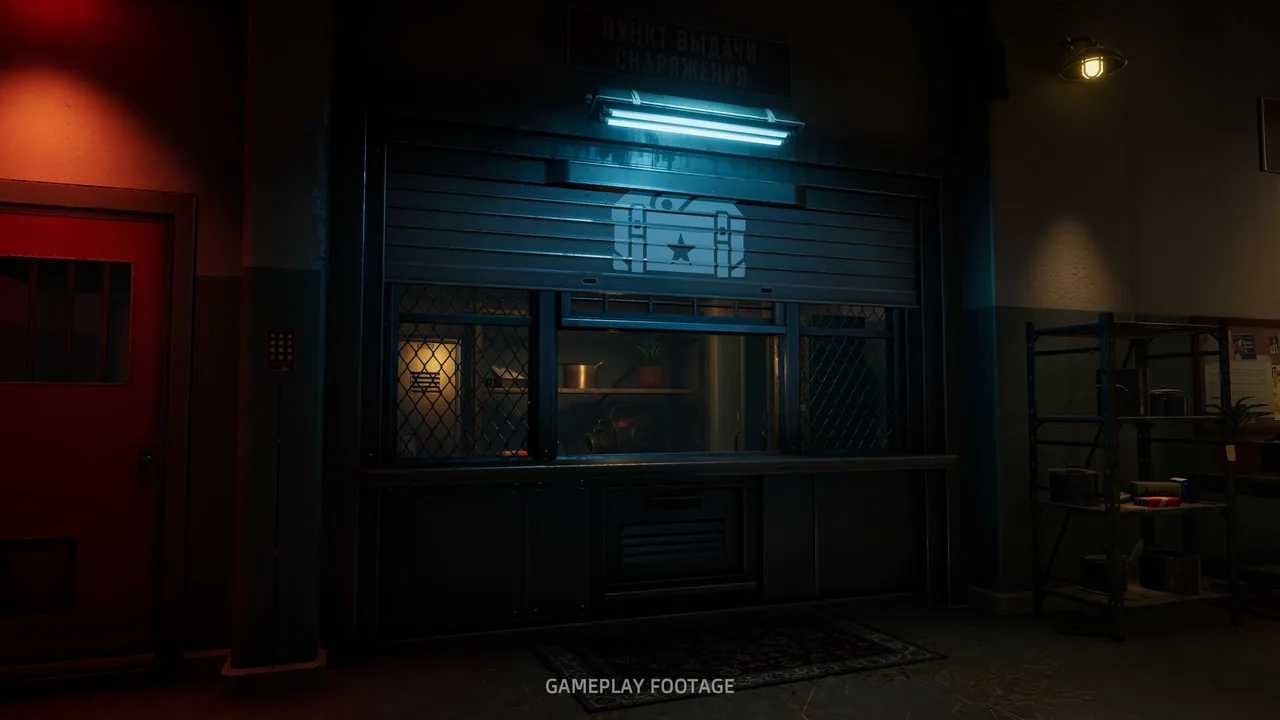
The patch matters for guides because several common complaints from launch day are no longer accurate. If a guide tells you to restart a full run to see another ending, or to wait five minutes for Unstuck, it is describing 1.0.0.
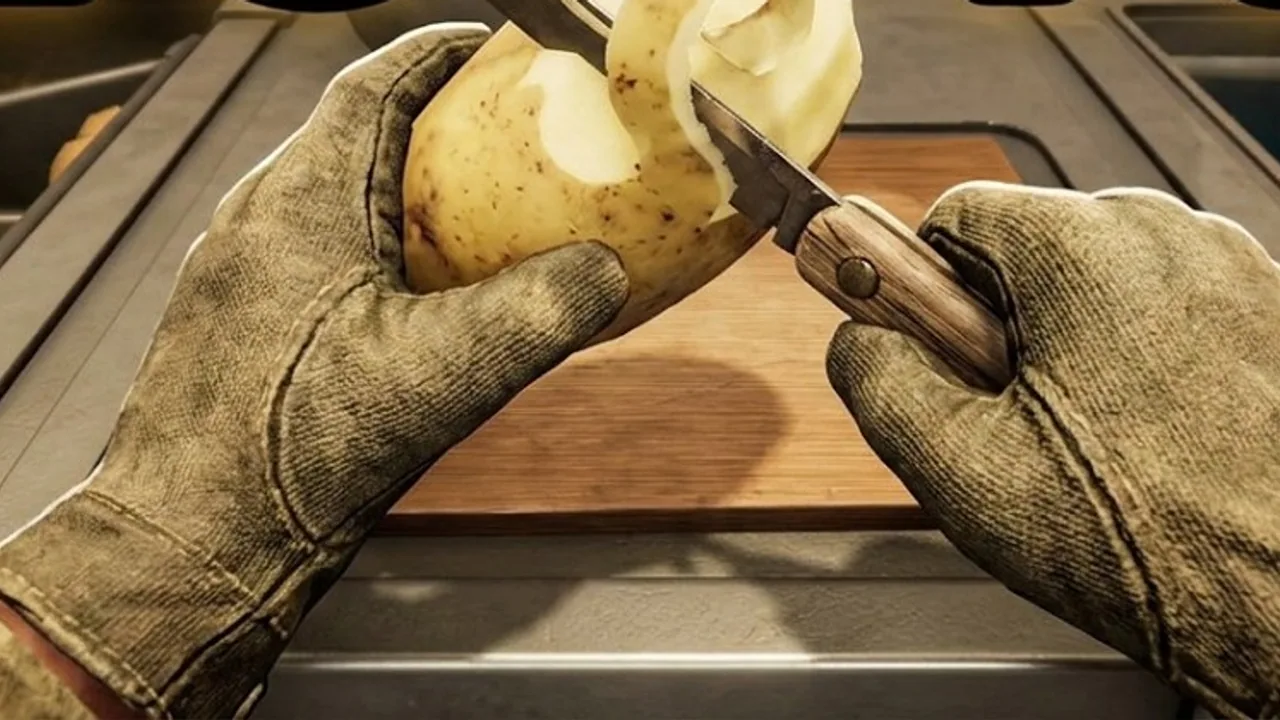
Every change below is from the November 4, 2026 1.0.1 hotfix. The 1.0.0 launch build did not include ending replay or the shortened troubleshooting cooldowns.
What is the headline change?
The biggest change is ending replay. A completed save can now rewatch the endings, so you can see all three train routes without a new 60,000-potato run. That turns the ending cleanup from a multi-hour grind into a short reload.
The second headline change is save reliability. Loading a completed save after clearing the yard no longer brings the blizzard back, and old saves are backed up automatically. If you had a launch-day save scare, 1.0.1 is the fix.
What changed in saves and endings?
- Completed saves can rewatch endings.
- Clearing the yard stays cleared after loading a completed save.
- The blizzard no longer returns on a completed save.
- Old saves are backed up automatically.
- Data-load failures now show a message to verify game files.
The backup is automatic, so you do not need to copy the save folder manually. If the game fails to load a save, verify the files before deleting anything.
What changed in troubleshooting?
- Unstuck, Wheelbarrow, and Sack fix cooldowns went from five minutes to 60 seconds.
- Repile has a 60-second cooldown.
- The pause menu now points to the Troubleshooting page.
- Troubleshooting has a report option.
The shorter cooldowns are a quality-of-life change, not a license to spam them. A stuck potato is still faster to prevent than to recover. The Repile cooldown is short enough that you can rebuild the pile after a collapse without waiting out a shift.
What changed with the crane?
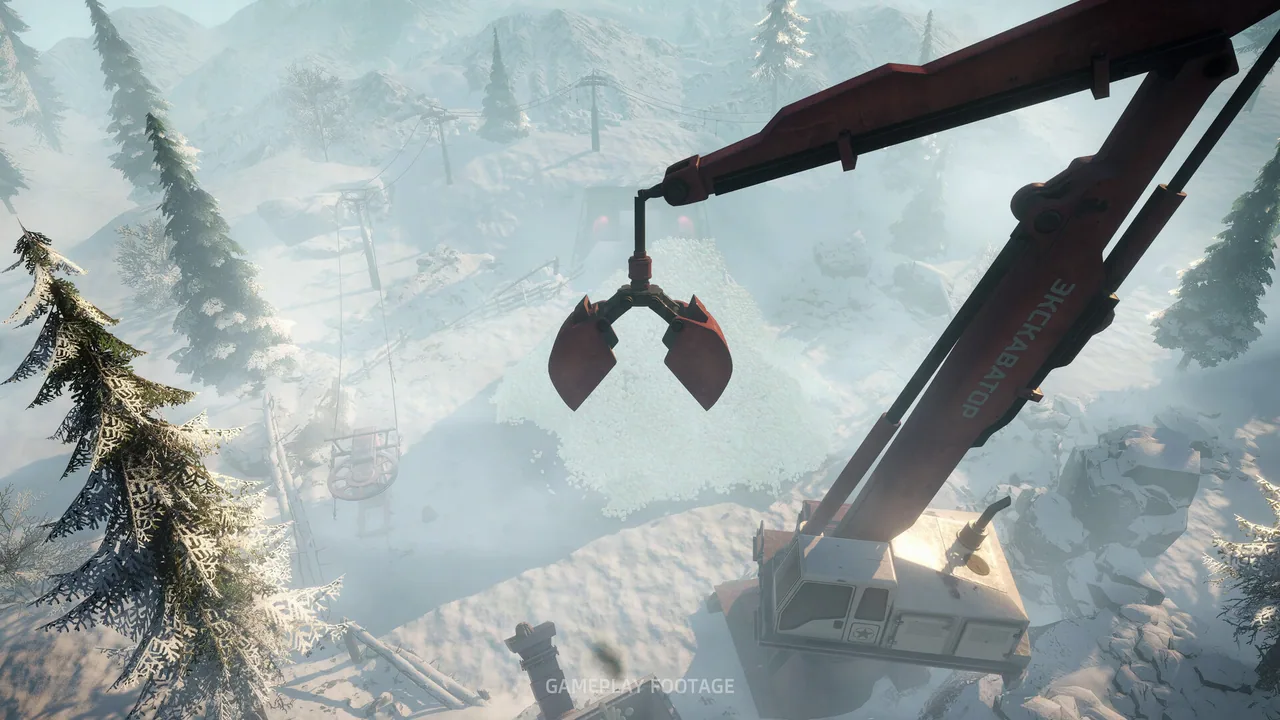
- Crane autopilot re-piles every three minutes after starting.
- The horn announces each recount.
- The re-pile prevents the potato arch from collapsing.
The autopilot change makes the crane less maintenance-heavy. If you bought the crane before 1.0.1 and found it fiddly, try it again. The three-minute re-pile is automatic once the autopilot is running.
The horn is a warning, not an error. It tells you the pile is being recounted. If you hear it repeatedly, the crane is doing its job.
What changed with machines and potatoes?
- Cut potatoes no longer jam in the peeler hopper; they roll out unchanged.
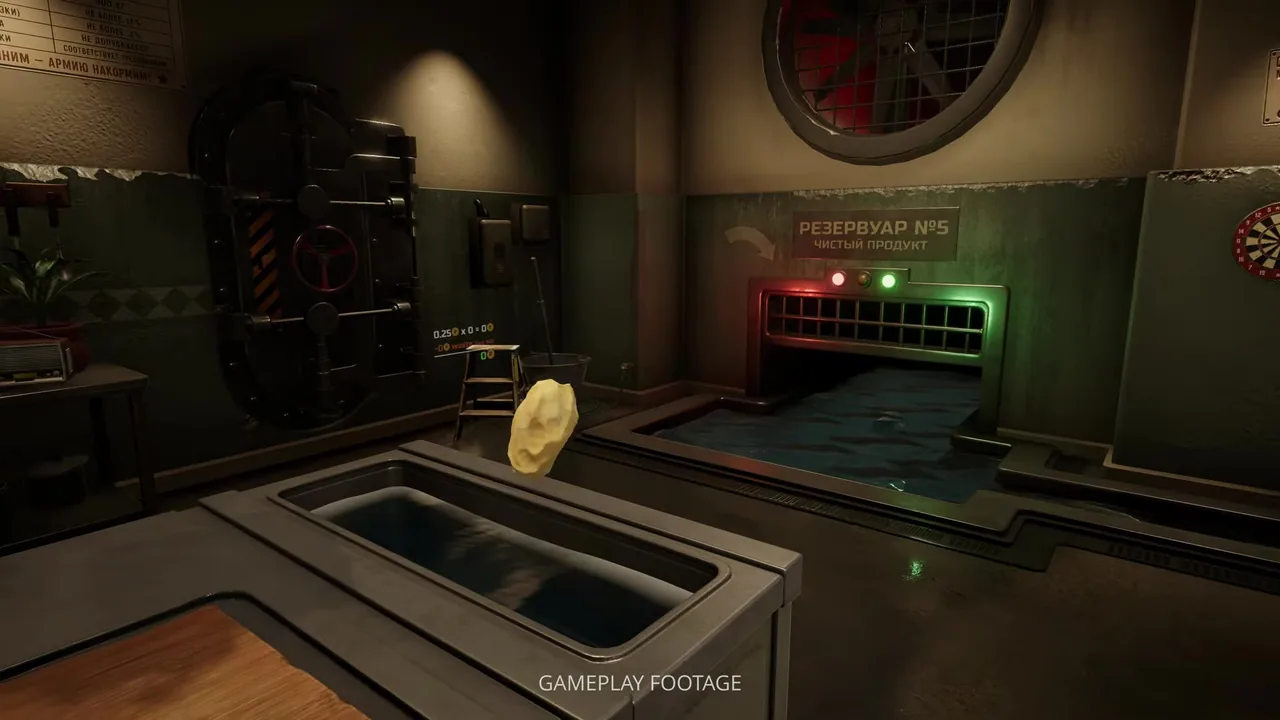
- Potatoes can no longer escape through the output chute or the wall fans.
- Potatoes are less likely to slip out of the room.
- Dog-peeled potatoes no longer count as machine output.
The hopper fix is important for automation. Before 1.0.1, a cut potato could block the input and silently stop the line. After the patch, it rolls out, so you can pick it up and finish it.
The dog change matters for Fully Automated and for throughput planning. The dog is a helper, not a machine. Do not count its output toward machine-based goals.
What changed with controls?
- Fixed steering wheels, pedals, flight sticks, and virtual joysticks causing automatic forward movement.
- Fixed WASD not working after certain input devices were connected.
- Fixed duplicate control lists in settings preventing some keys from rebinding.
- Invert Y now affects only the camera.
- Added a hand-tremor intensity setting.
The input fixes are the reason some launch-day players could not rebind keys or walked forward without input. If you gave up on a controller because of that, 1.0.1 is worth another try.
The tremor setting is an accessibility option. It does not change the difficulty or the achievements, but it makes manual peeling easier for players who struggle with the default shake.
What changed in the UI and settings?
- Ultrawide menus no longer clip.
- Long translations fit the goal and upgrade titles.
- The Wheelbarrow and Auto Rotate descriptions were corrected.
- The dog can be muted, but it still barks if lost.
- Hard mode now uses Strict peeling rather than No Mercy.
The description fixes matter when you are comparing upgrades. A corrected Wheelbarrow description can change whether the $210 purchase is worth it for your layout.
What is still unfixed?
The patch does not explain A Heart of Gold or Your Own Executioner. Those achievements remain community mysteries. It also does not add an official speedrun timer or a built-in stats screen.
The Steam discussions still have threads about leaderboard cheating. 1.0.1 does not address that, and it is not a single-player priority. If you are returning to a finished save, the automation fixes → cover the crane and conveyor changes in practice.
FAQ
When did Potato Please 1.0.1 release?
November 4, 2026, one day after the November 3 launch.
Can you replay endings after 1.0.1?
Yes. Load a completed save and rewatch the endings. You do not need a new quota run.
Did 1.0.1 change Hard mode?
Yes. Hard now uses Strict peeling rather than No Mercy.
Does 1.0.1 fix the stuck potato bug?
It fixes several escape routes and the hopper jam. If a potato is still stuck, use the Troubleshooting page; the cooldown is now 60 seconds.
Official source: Hotfix 1.0.1 ↗
Official source: Potato Please on Steam ↗
The Steam discussions hub ↗ has player reports after the patch. The achievements page ↗ shows whether the ending replay changed the completion rates.
More Potato Please Guides
Potato Please Achievements Guide: All 20 Unlocks
All 20 Potato Please achievements, how to unlock each one, the hidden ending triggers, and the three unlocks nobody has fully solved.
Potato Please All Endings: Every Route Explained
Every Potato Please ending explained: the three train routes, the hidden outcomes, how to replay the final choice and unlock Every Path Has a Price.
Potato Please Automation: Layout and Fixes
Build a Potato Please automation line that keeps every peeler fed, with layout advice, throughput fixes and machine priorities.
Potato Please Beginner Guide: The First Two Hours
A practical Potato Please beginner guide for the first shift, the first $300, and the mistakes that stall your quota before automation.
Potato Please Best Knife: Steel vs Rusty
The best knife in Potato Please is the Steel Knife at $2.70. See why it beats the Rusty Knife, when to buy it and what it cannot fix.
Potato Please Best Tools: Ranked for Each Phase
The best tools in Potato Please by phase, from the Steel Knife to the Auto Peel Machine, with prices and the jobs each one actually does.
Potato Please Controls: Keyboard, Mouse and Gamepad
Every Potato Please control for PC, plus the 1.0.1 input fixes, gamepad support, tremor settings and rebinding problems.
Potato Please Difficulty: Standard vs Hard
What changes in Potato Please Hard mode, how Strict peeling works, and whether any achievement requires the harder setting.