
Potato Please Beginner Guide: The First Two Hours
A practical Potato Please beginner guide for the first shift, the first $300, and the mistakes that stall your quota before automation.
The first two hours of Potato Please decide whether the rest of the run feels like a job or a puzzle. Your three goals are simple: learn the peel without wasting potatoes, buy Carry Capacity so you can move a useful load, and get the first Crank Peel Machine running before you spend money on a bigger tool.
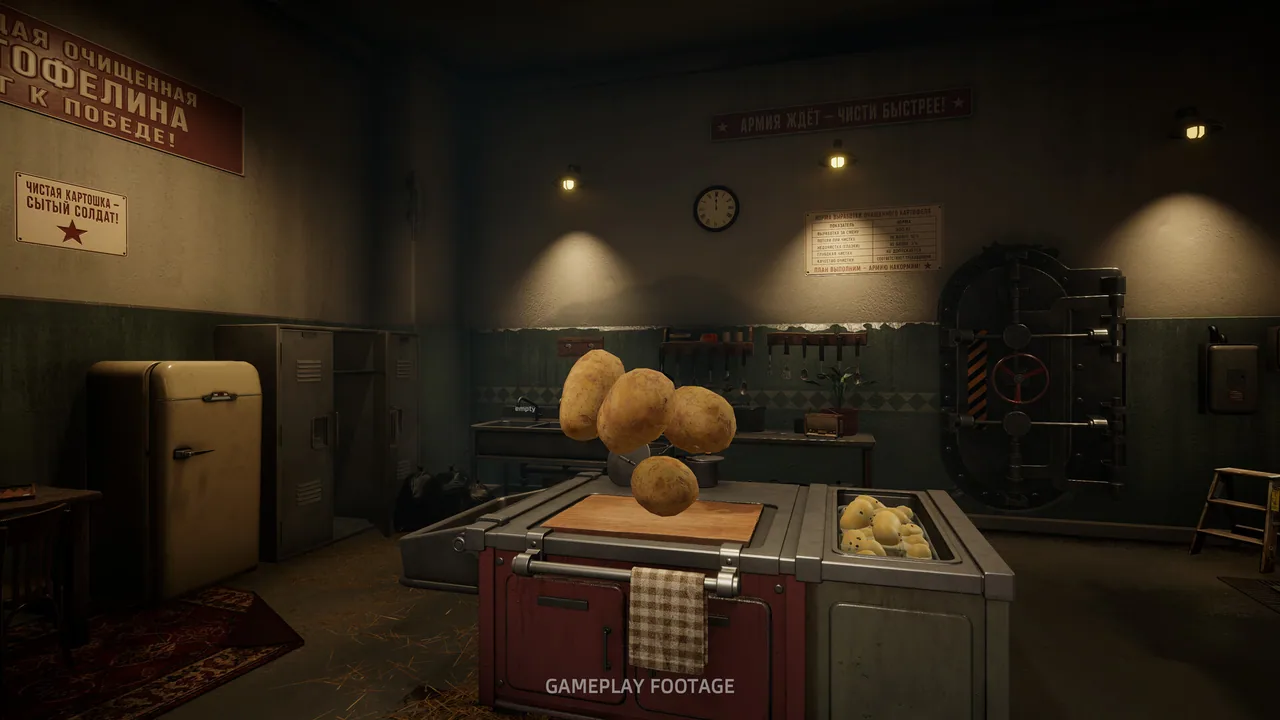
Nothing in the opening explains the economy. The game lets you peel slowly, carry three potatoes, and wonder why the quota is not moving. This guide covers the first shift, the first purchases, and the specific mistakes that make new players restart.
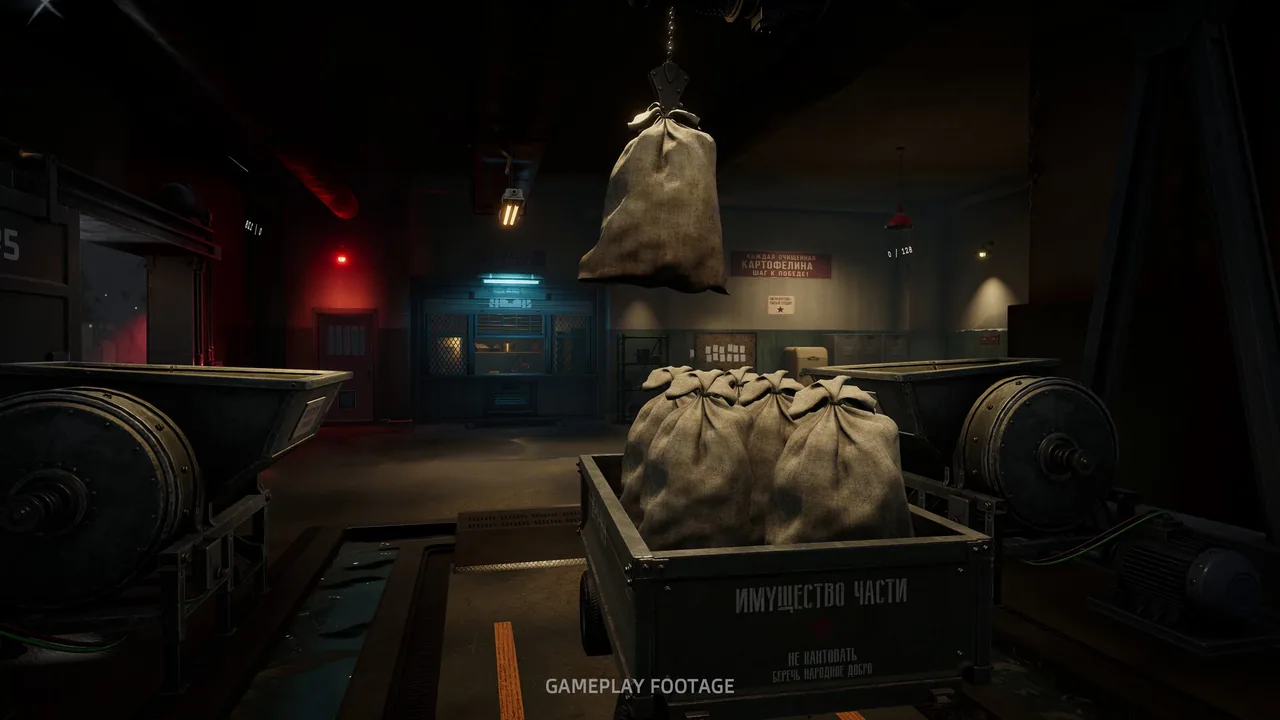
What should you do on the warm-up shift?
The warm-up shift is a tutorial disguised as a shift. Tear open the sack, carry three potatoes to the board, and hold the left mouse button to peel. A clean potato goes into the chute. The counter only moves when the potato is clean.
Do not try to speed-run the tutorial. The peeling motion is not a single animation; the knife follows your cursor, and the depth of the cut depends on where you move it. Short strokes along the skin remove less potato. Long strokes across the middle dig into the flesh and waste money.
Three habits are worth building immediately:
- Rotate the potato with the camera, not with your movement keys.
- Peel toward the board, not toward your body, so the waste falls away from the chute.
- Finish one potato before starting the next. Half-peeled potatoes clutter the board and get thrown by accident.
The warm-up ends quickly, but the muscle memory does not. Players who learn a steady stroke here spend less time correcting waste later.
What should you buy first?
Carry Capacity is the first purchase that changes the run. The starting carry limit is small, and the first door requires a delivery that is painful in three-potato trips. The first level costs $250. Buy it before any cosmetic upgrade or machine.
The Steel Knife is the second purchase at $2.70. The Rusty Knife costs $0.30 and is technically usable, but it produces rougher cuts and more waste. The Steel Knife pays for itself in a single shift if you are peeling steadily.
The Kitchen Table costs $12 and gives you a larger work surface, a deeper raw-potato slot, and an Auto Launcher that feeds potatoes to the board. It is cheap enough to buy in the first hour. The table does not peel for you, but it removes the repeated walk to the sack.
| Purchase | Price | Buy it when | Why |
|---|---|---|---|
| Carry Capacity | $250 | Before the first door | Fewer trips, more delivered per load |
| Steel Knife | $2.70 | First shift | Cleaner cuts, less waste |
| Kitchen Table | $12 | After the first payment | Larger board, auto launcher |
| Crank Peel Machine | $20 | When the board is the bottleneck | Cheap bridge to machine peeling |
| Auto Peel Machine | $280 | After the Crank is fed | First real automation |
Do not buy the Wheelbarrow at $210 in the first hour. It carries twelve sacks, but you will not have twelve sacks ready, and the money is better spent on the machine that actually peels.
How do you keep the line moving?
The early game has one bottleneck at a time. First it is carrying capacity. Then it is the cutting board. Then it is the machine's input. Fix the current bottleneck instead of buying a tool for a later stage.
A simple loop works for the first two hours:
- Fill the raw-potato slot on the table.
- Peel the potatoes that the table feeds you.
- Send clean potatoes to the chute.
- When the chute backs up, switch to the machine.
- Refill the machine's hopper before you start peeling again.
The Crank Peel Machine at $20 is not automatic. You turn it by hand, and it only processes what you feed it. It is still worth buying because it peels faster than the board and it teaches the input/output rhythm you will use with the electric machines.
The first Auto Peel Machine at $280 is the point where the game changes. Buy it as soon as you can keep it fed. Do not buy a second machine at $420 until the first one is running at capacity. Two underfed machines are worse than one busy machine.
The shift timer creates pressure, but the quota is cumulative. A slow, clean shift is better than a fast shift with 20 percent waste. If you are behind, add capacity; do not start cutting corners.
What mistakes should you avoid?
The most common beginner mistakes are not mechanical. They are purchase-order mistakes.
- Buying the Claw Crane before the peelers can keep up. The crane moves sacks, but it does not peel.
- Buying the Sack Cableway at $1,250 before the first Auto Peel Machine. It is a route upgrade for a line that does not exist yet.
- Upgrading the knife repeatedly instead of increasing throughput. The Steel Knife is enough for the first several shifts.
- Ignoring the tremor setting. If your hand shakes, the game offers assistance that does not affect difficulty or payment.
- Forgetting to close the door during the storm. Snow and cold cost more time than the walk to the terminal.
The 1.0.1 patch also changed the Troubleshooting cooldowns. Unstuck, Wheelbarrow, and Sack fixes now have a 60-second cooldown instead of five minutes. That makes a stuck potato less punishing, but it is still faster to prevent the block than to fix it.
When should you start automating?
Start automating when you can see the cutting board queue growing faster than you can clear it. The first electric machine is the correct answer at that point. The Crank is a bridge; the Auto Peel Machine is the first upgrade that actually removes you from the peeling loop.
The early automation order is:
- Auto Peel Machine, $280.
- Sack Gantry, $280, once you have more than one machine.
- Wheelbarrow, $210, when sack trips are the bottleneck.
- Second Auto Peel Machine, $420, only when the first is full.
The Sack Gantry is easy to underestimate. It sends a full sack to the emptiest peeler, which removes a walk from every cycle. The Wheelbarrow is the same idea for sacks: twelve at a time instead of one.
Once the line is stable, the automation layout guide → covers throughput and bottleneck diagnosis. If you are still deciding what to buy, the upgrade order → has the full price table.
FAQ
How long does the first shift take?
The warm-up shift is a few minutes. The first paid shift depends on how quickly you learn the peel and buy Carry Capacity; most players finish it in 15 to 25 minutes.
Do you lose money for peeling too deep?
Yes. A deep cut removes usable potato and counts as waste. The payment screen does not show every bad cut individually, but the total is lower than a clean run with the same number of potatoes.
Should you restart if you waste the first shift?
Not unless you are already far behind the quota. The quota is cumulative and the early payments are small. A restart costs more time than a bad first shift.
Is the Crank Peel Machine worth $20?
Yes, as a bridge. It is cheap, it peels faster than the board, and it teaches the feed-and-clear rhythm. Do not treat it as the final automation solution.
Official source: Potato Please on Steam ↗
Community source: 100% completion playthrough, 3h36m ↗
The Steam store page ↗ lists the current price and system requirements. The 1.0.1 hotfix notes ↗ cover the control and cooldown changes mentioned above.
More Potato Please Guides
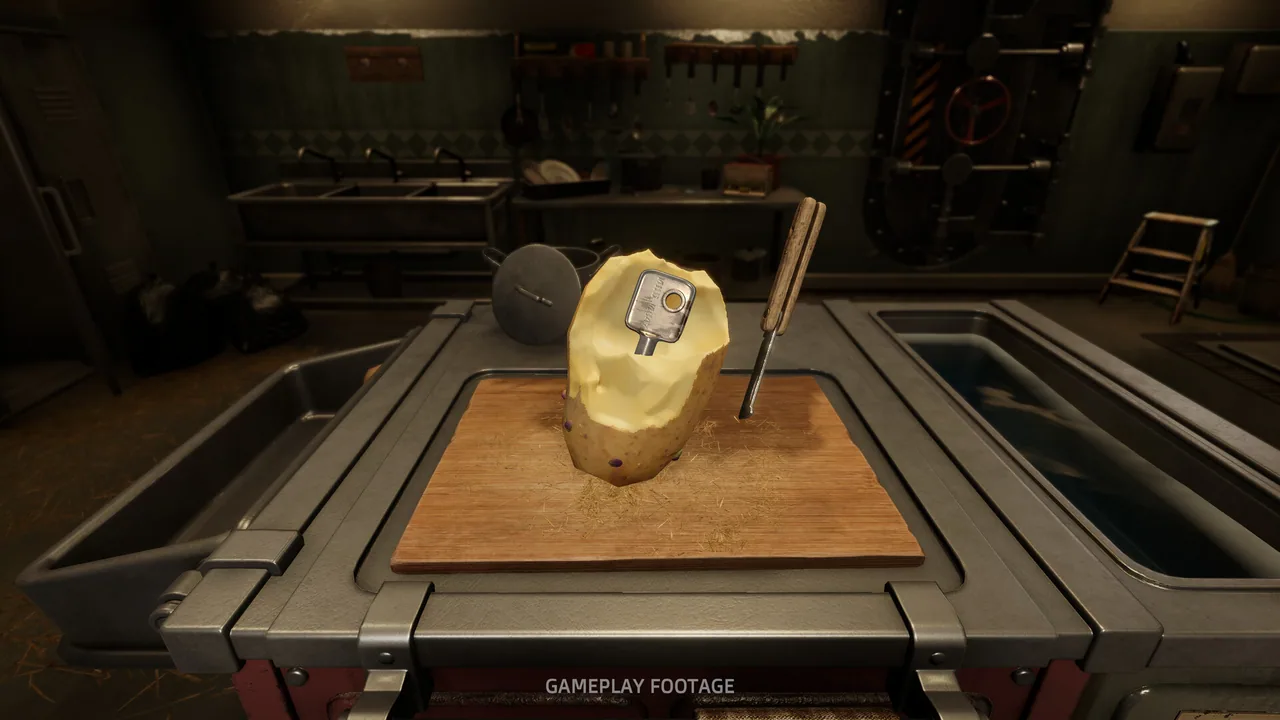
Potato Please Achievements Guide: All 20 Unlocks
All 20 Potato Please achievements, how to unlock each one, the hidden ending triggers, and the three unlocks nobody has fully solved.

Potato Please All Endings: Every Route Explained
Every Potato Please ending explained: the three train routes, the hidden outcomes, how to replay the final choice and unlock Every Path Has a Price.

Potato Please Automation: Layout and Fixes
Build a Potato Please automation line that keeps every peeler fed, with layout advice, throughput fixes and machine priorities.
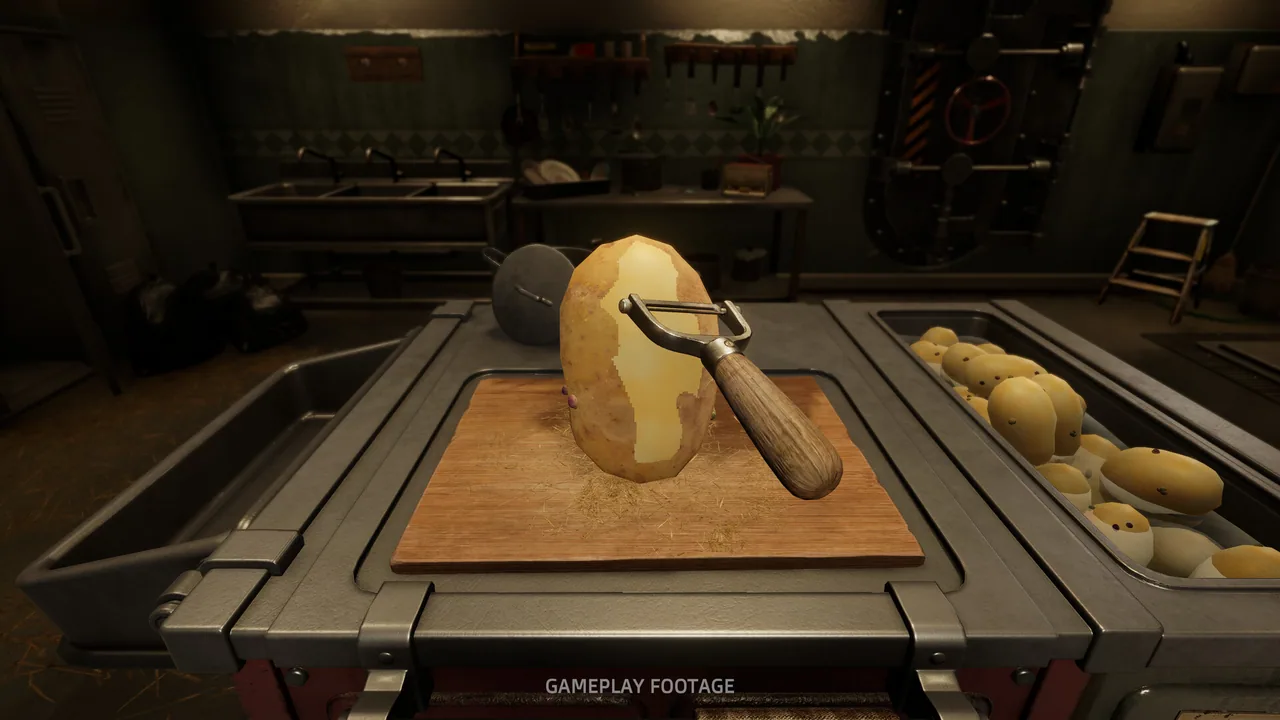
Potato Please Best Knife: Steel vs Rusty
The best knife in Potato Please is the Steel Knife at $2.70. See why it beats the Rusty Knife, when to buy it and what it cannot fix.
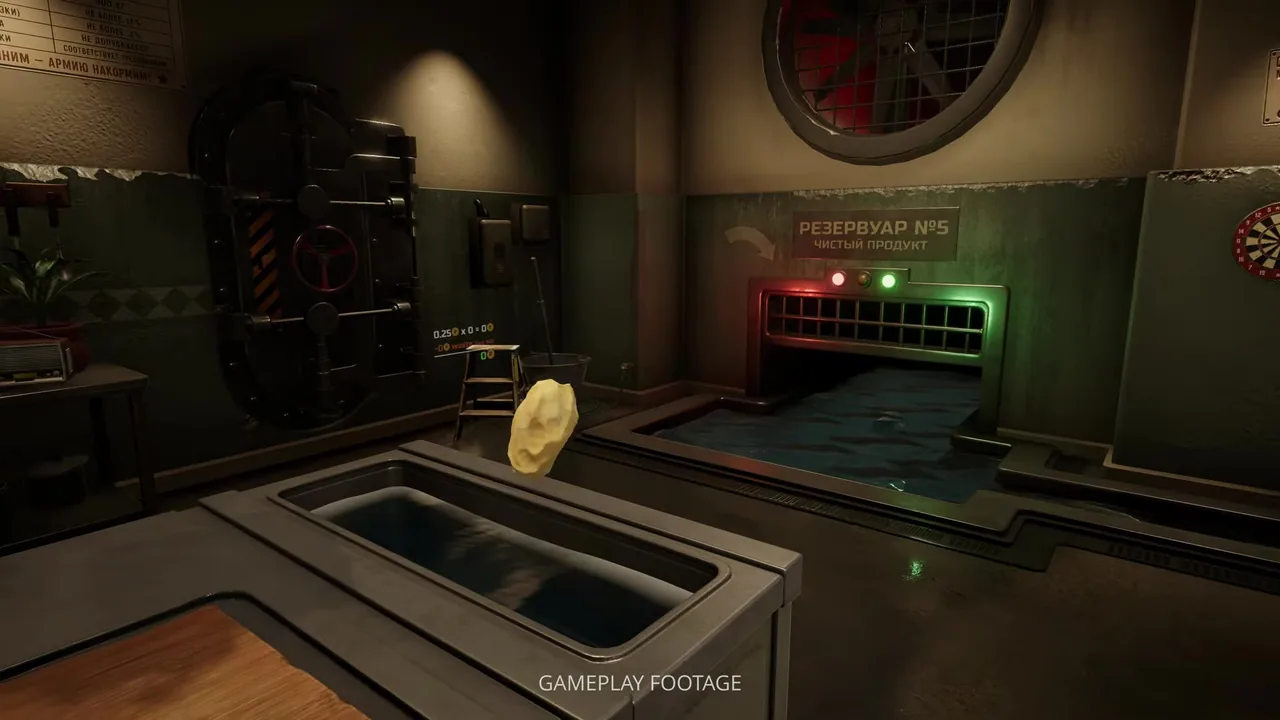
Potato Please Best Tools: Ranked for Each Phase
The best tools in Potato Please by phase, from the Steel Knife to the Auto Peel Machine, with prices and the jobs each one actually does.
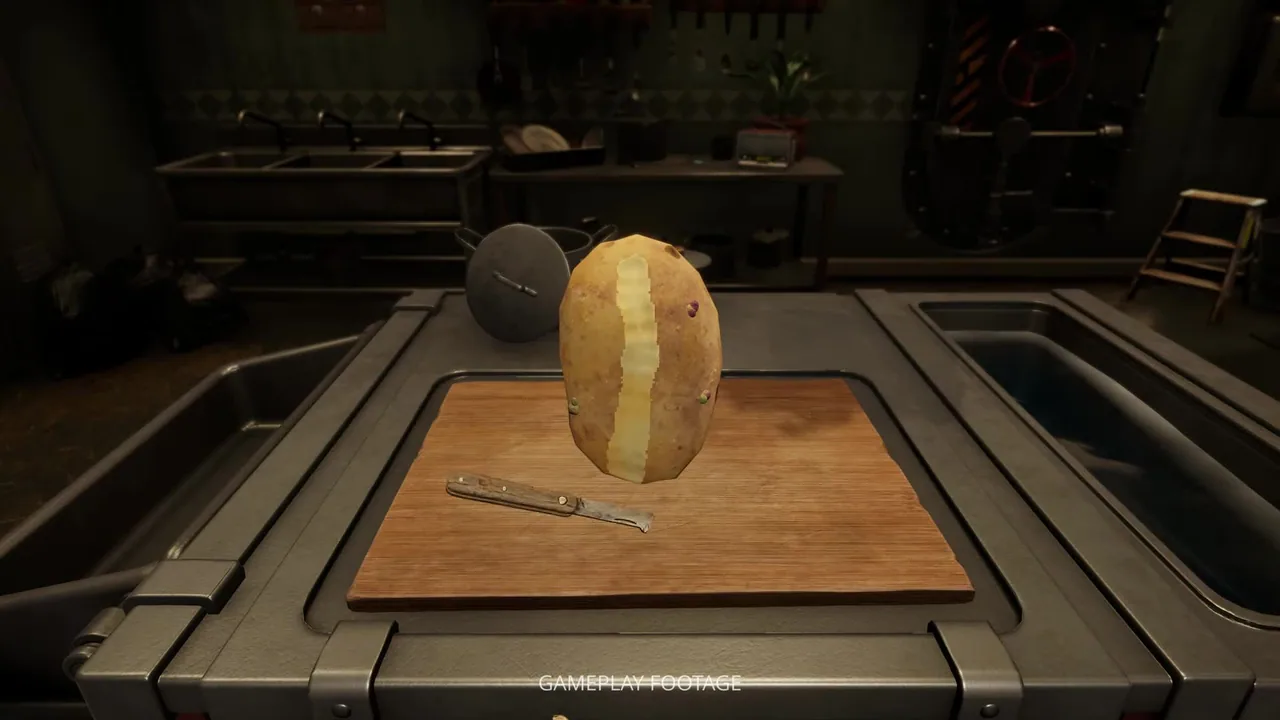
Potato Please Controls: Keyboard, Mouse and Gamepad
Every Potato Please control for PC, plus the 1.0.1 input fixes, gamepad support, tremor settings and rebinding problems.

Potato Please Difficulty: Standard vs Hard
What changes in Potato Please Hard mode, how Strict peeling works, and whether any achievement requires the harder setting.
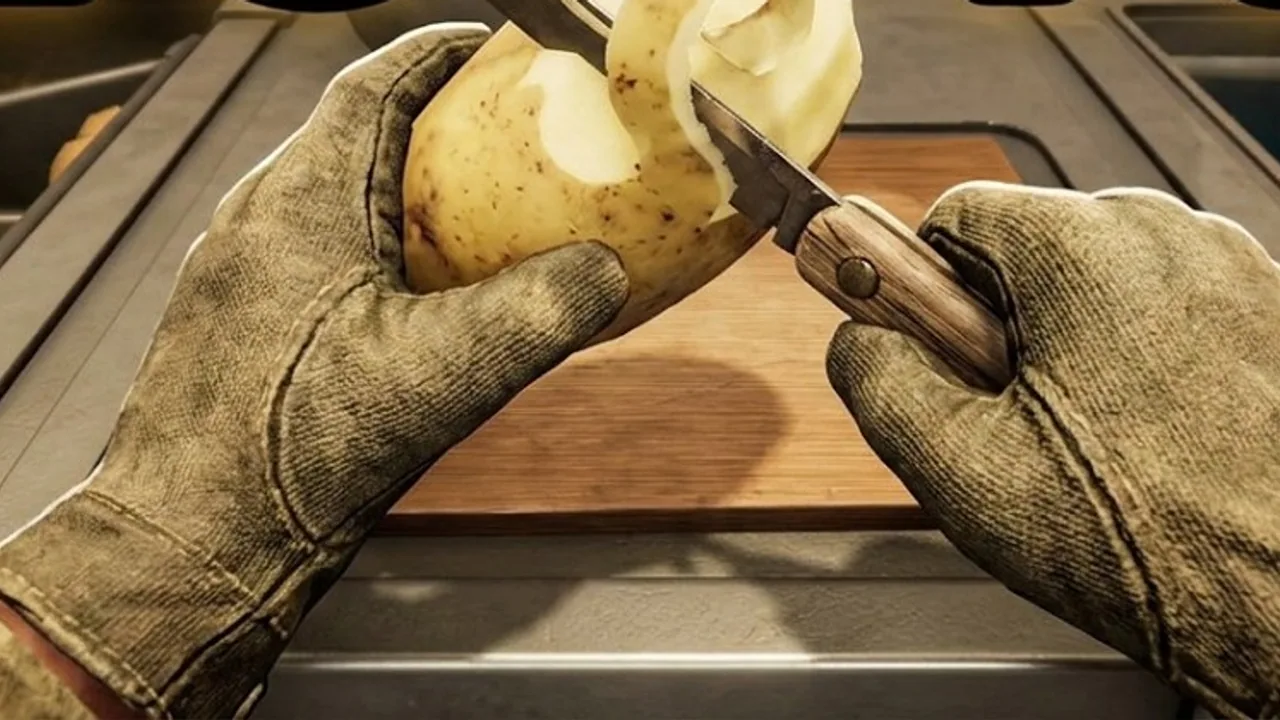
Potato Please Guide: Shift 1 to the Train
A complete Potato Please walkthrough from the warm-up shift to all three train endings, with real upgrade prices and quota fixes.